
ENGYNE CLOUD / MOBILE WEB APP
Your lead workflow. In your pocket.
The same Cloud workspace, designed for a smaller screen. Review capture status and lead decisions without returning to your desk.
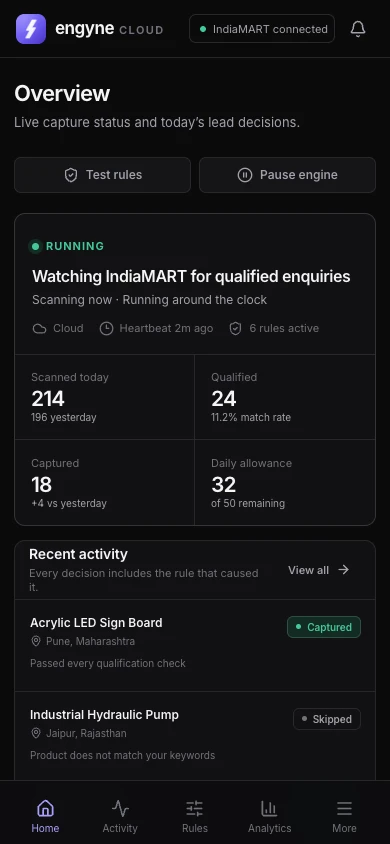
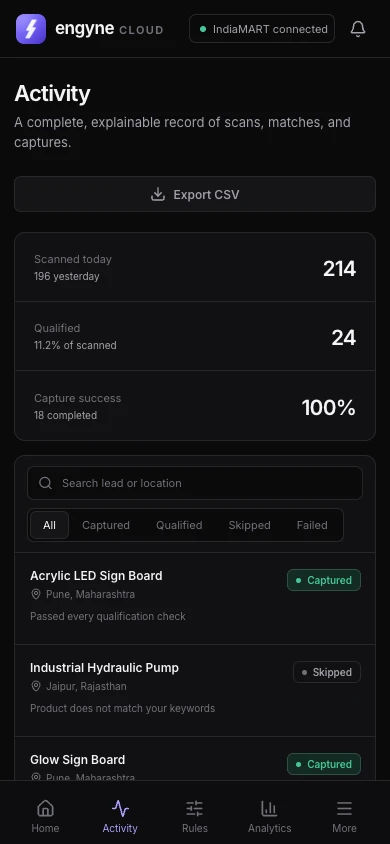
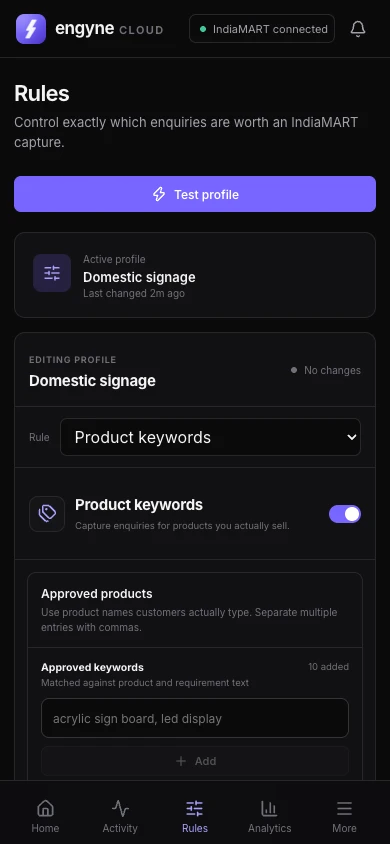
Add Engyne Cloud to your home screen
- Open app.engyne.space in your phone’s browser and sign in to your Cloud account.
- On iPhone, use Safari’s Share menu, then Add to Home Screen. On Android, use your browser’s Install app or Add to Home screen option when available.
- Open the Engyne icon to return to your workspace. Installation options vary by browser and device.
This is an installable web app. It does not require an App Store or Play Store download.
What happens when you close the app?
Your phone is the control surface. Cloud capture runs on hosted infrastructure and can continue while the app is closed, subject to your seller session, account access, schedule, capture limits and service availability. An expired IndiaMART session may require reconnection.
Internet access is needed to view current information or send a command. A home-screen icon does not make capture or account data available offline. Browser notifications require permission and a supported device.